Fast convert
Turn DOC and DOCX files into PDF in seconds — no desktop software or browser workarounds.
Mobile app coming soon
Word to PDF - WordPDF
Convert Word documents to PDF in seconds.
WordPDF is a word to pdf app that converts DOCX and Word documents into PDF files on iPhone and Android while preserving layout, tables, and images.
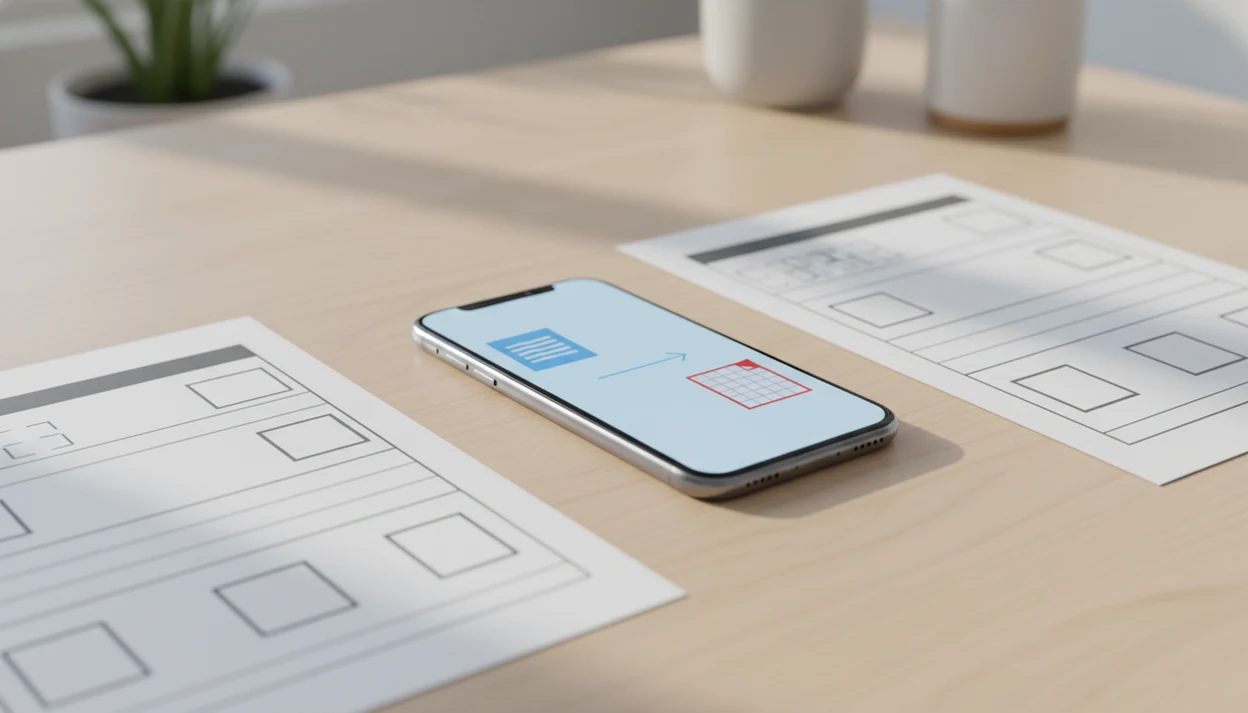
WordPDF brings mobile-first Word to PDF conversion with layout checks built into the workflow.
Turn DOC and DOCX files into PDF in seconds — no desktop software or browser workarounds.
Keep tables, fonts, headers, footers, and embedded images stable in the exported PDF.
Convert on-device when supported, so airport and classroom workflows are not blocked by weak signal.
Review upload, retention, and deletion rules before converting resumes, invoices, or contracts.
Queue multiple Word files when you need several PDFs for clients, classes, or admin batches.
Preview the PDF, then send through email, AirDrop, Drive, or messaging from your phone.
Select, convert, preview — then send resumes, invoices, contracts, or school files without opening a laptop.
Pick a DOC or DOCX from Files, Drive, Mail, or Downloads.
WordPDF renders pages and writes a fixed-layout PDF while preserving structure.
Check tables and page breaks, then save or send the finished PDF.
Every export returns a fixed-layout PDF — preview tables, fonts, and page breaks before you share.
Sample conversion result
| Source | Invoice_Q2.docx |
| Output | Invoice_Q2.pdf |
| Tables | Preserved |
| Fonts | Embedded |
| Time | Under 5 seconds |
Always preview complex layouts before sending client or legal documents.
WordPDF explains formatting limits, privacy choices, and when to re-check complex Word files before submission.
Definition: WordPDF is a word to pdf app that converts DOCX and Word documents into PDF files on iPhone and Android while preserving layout, tables, and images.
The main benefit of a Word to PDF app is the loop: pick the Word file, export a PDF, preview layout, then share. WordPDF is built for that loop because conversion connects file picking, layout checks, and one-tap sharing.
For broader app comparisons, our best word to PDF app guide covers how different tools handle mobile conversion and formatting fidelity.
A good Word to PDF app handles DOC and DOCX files cleanly, keeps document layout stable, and makes the finished PDF easy to check and send. Look for preview screens, clear privacy terms, and honest limits — not a confusing bundle of unrelated editing tools.
Word to PDF conversion reads the Word file structure, renders document pages, and writes them into a fixed-layout PDF. On-device conversion keeps processing on the phone; cloud-based conversion uploads the file first — worth checking for confidential documents.
Looking to learn more about WordPDF? Here are some of the most common questions.
Yes, most Word to PDF apps try to preserve tables, borders, spacing, and cell formatting. Complex nested tables should still be checked in the PDF preview.
Some apps can convert DOCX to PDF offline, but many mobile and browser-based converters use cloud processing. Check offline support before relying on the app without internet.
WordPDF may offer free access or trial-style use when it launches. Check back for launch details and pricing.
File size limits vary by app, and 100 MB is a useful benchmark because some major online converters use that limit. Large DOC or DOCX files should be tested before a deadline.
Yes, many Word to PDF apps support both iPhone and Android. WordPDF is being built for mobile conversion on both platforms.
Privacy depends on whether conversion happens on-device or through uploaded cloud processing. Review the app’s file handling, retention, and deletion details before converting sensitive documents.
Some Word to PDF apps support both DOC and DOCX, while others only support DOCX. Check format support if you work with older Word files.
Typical DOCX files often convert in seconds on a modern phone. Very large files, image-heavy documents, or cloud upload delays can take longer.
Turn DOC and DOCX files into shareable PDFs on iPhone and Android while preserving layout, tables, and images.