
File retention in document converters: what deletion claims mean
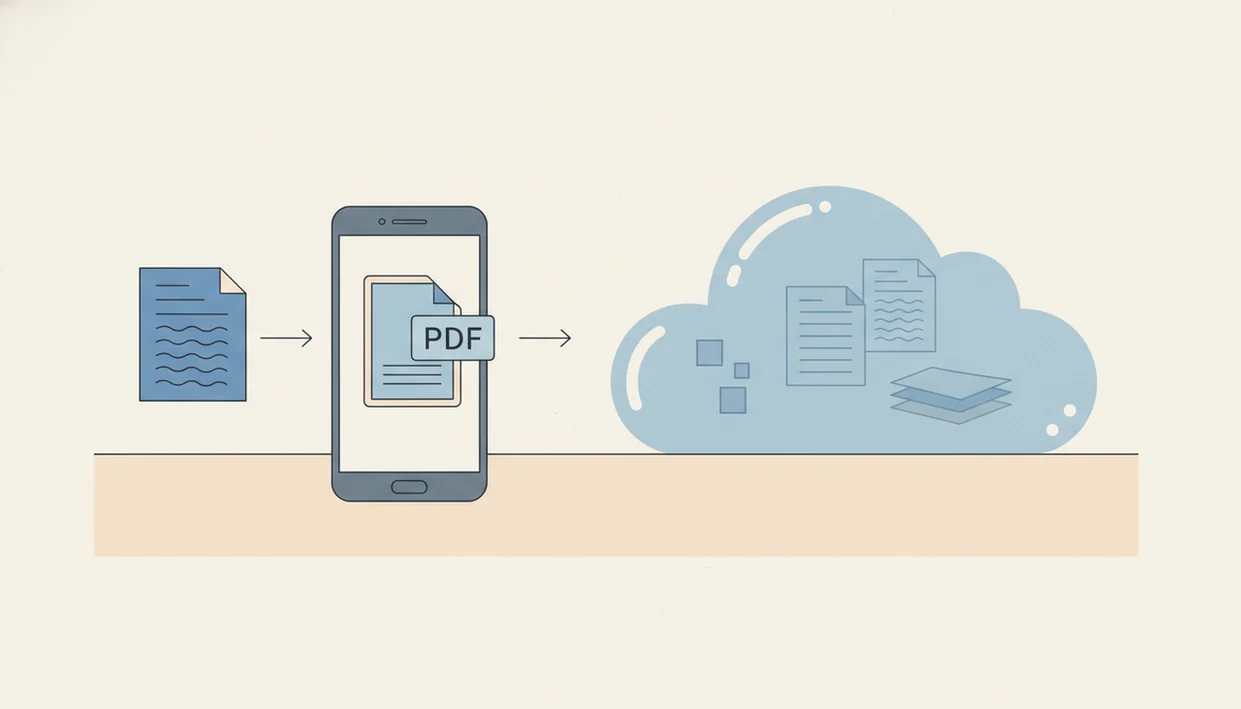
File retention for Word-to-PDF conversion means how long a converter keeps your uploaded DOCX or Word document and the PDF it creates. The safest interpretation is to check whether conversion happens on-device or on remote servers, then read the provider’s deletion window, backup policy, log policy, and sign-in terms.
Definition: Word to PDF file retention is the policy and technical practice that determines how long a Word-to-PDF converter stores uploaded Word files, generated PDF files, metadata, logs, caches, and backup copies.
TL;DR
- “Converter deletes files” does not always mean instant deletion from logs, caches, backups, or disaster-recovery systems.
- On-device Word to PDF conversion reduces server-side retention, but local phone storage and device backups still matter.
- DOCX upload retention policies should be checked before uploading contracts, resumes, medical records, financial forms, or legal documents.
File retention definition and policy scope
Word to PDF file retention is the policy and technical practice that determines how long a Word-to-PDF converter stores uploaded Word files, generated PDF files, metadata, logs, caches, and backup copies.
A deletion claim can cover the file you see in the app, but not necessarily every place the file touched. Retention may include the original DOCX file, the exported PDF, upload metadata, IP-related logs, thumbnail previews, temporary processing folders, crash reports, and backup systems.
The wording varies by provider, account status, conversion method, and privacy policy. A signed-in account with saved history is different from a one-time anonymous conversion. For any mobile converter, review the current privacy policy, storage terms, and deletion controls before using it for private documents.
This article is informational. It is not a legal audit of any specific converter.
How document converter retention works on mobile
How Word to PDF file retention works depends on where conversion happens. On-device conversion keeps processing on the phone, while server-side conversion sends the DOCX file to remote infrastructure before the PDF comes back.
A common cloud flow looks simple from the screen: upload DOCX, process file, create PDF, provide download, then delete or expire the visible file. Underneath, the file may pass through temporary storage, CDN caches, malware scanning, server logs, crash diagnostics, and backups.
How to check file retention before converting:
- Confirm whether the app processes on-device or uploads the file.
- Read the deletion window before choosing the converter.
- Check whether sign-in creates saved history or project storage.
- Open the exported PDF and verify it is stored where you expect.
- Delete local copies you no longer need.
That last step gets missed. On Android, the Downloads folder often holds the final PDF after the app screen looks empty.
Five file-retention facts users should know
- “We delete files” may mean files disappear from the user-facing interface, not that every backend copy is erased instantly.
- Many reputable converters publish fixed deletion windows, such as minutes, hours, or 24 hours, but users must verify the exact policy.
- On-device iPhone and Android conversion can reduce server retention, but it cannot eliminate local storage or OS backup risks.
- Word and PDF files may carry metadata such as author, title, comments, tracked changes, hidden text, or keywords.
- Sensitive or regulated documents should only be uploaded to services with clear privacy, security, compliance, and deletion terms.
For private documents, local conversion is often easier to evaluate than cloud conversion because the file path is visible on your phone. The tradeoff is that you still need a clean device lock, careful backups, and a real layout check before sending.
Tiny paperclip, big decision.
DOCX upload retention claims behind converter file deletion promises
“Does the converter delete files?” The useful answer is not yes or no; it is what gets deleted, when, and from which systems.
Active storage is the file area you usually see. Temporary processing storage may hold the DOCX while the PDF is created. Logs can record upload events. Caches can speed delivery. Backups may preserve copies for disaster recovery. Account history may keep files longer because you signed in.
Look for exact time periods, deletion triggers, manual deletion controls, backup deletion timelines, and whether files are used for model training or product improvement. For a broader safety review, the question of is it safe to upload Word to PDF depends on the document and the provider’s terms.
Policy language matters because people notice data risk. A 2019 Pew Research Center survey found that 79% of Americans were concerned about how companies use collected data, according to source.
On-device conversion apps versus online converter retention
On-device Word to PDF conversion is generally preferable for private documents if the app does not upload files for processing. Online converters can still be useful, but their deletion, encryption, access control, and backup terms need closer review.
| Retention question | On-device mobile conversion | Online converter |
|---|---|---|
| File location | Stays on iPhone or Android if no upload occurs | DOCX is sent to remote servers |
| Retention risk | Mainly local storage, app cache, and phone backups | Server storage, logs, caches, and backups |
| Internet requirement | Often works without a connection | Usually requires upload and download |
| Backup exposure | iCloud, Google backup, or device backup settings | Provider backup and disaster recovery systems |
| Best use case | Private resumes, contracts, or drafts | Low-risk files where convenience matters |
A good word to pdf converter app that turns docx and word documents into shareable pdf files on iphone and android should deliver a predictable PDF export, not vague promises about data vanishing instantly.
If your priority is local processing, compare the flow against convert Word to PDF without uploading.
DOCX metadata retention in Word and PDF files
File retention is not only about the visible document body. Word files can contain comments, revision history, hidden text, author details, document properties, and other information that was never meant for the final reader.
U.S. District Court metadata guidance says converting or printing Word to PDF removes most revision metadata, but can leave basic file description metadata such as author, title, and keywords, according to source. That means a converter retaining a DOCX or PDF may also retain metadata unless the service explicitly scrubs it.
Before uploading high-risk files, remove sensitive comments, tracked changes, hidden text, and document properties. We also compare the Word file and PDF side by side when the stakes are high, because a shifted page break can expose the wrong draft note or signature placement.
For iPhone-specific checks, review Word to PDF app privacy iPhone.
Sensitive document checklist for converter file retention
Sensitive files deserve a stricter checklist before upload. Legal, health, financial, education, and employment documents can contain identifiers, private history, account numbers, or claims that should not sit in unclear storage.
Check these items before uploading:
- Processing location: Confirm on-device conversion versus server processing.
- Deletion window: Look for a stated time, not just “soon.”
- Backup retention: Check whether backups follow a longer deletion cycle.
- Encryption: Confirm encryption in transit and encryption at rest.
- Account history: See whether signed-in use saves files or projects.
- Metadata handling: Look for metadata removal or warn yourself to scrub first.
- Subprocessors: Review which outside infrastructure providers may touch files.
- Compliance claims: Read whether GDPR, HIPAA, or FERPA terms apply to your plan.
McKinsey reported that 87% of consumers would not do business with a company if they had concerns about its security practices, according to source. That tracks with document conversion: avoid converters that do not clearly document DOCX upload retention or deletion practices.
For a focused review, use Secure DOCX to PDF converter checks.
When to get legal, compliance, or security review
Get professional review before uploading files when the document could create legal exposure, regulatory duties, or client confidentiality risk. If the converter policy is vague about deletion or backups, slow down before the file leaves your phone.
Use legal review for contracts, litigation materials, subpoenas, settlement drafts, privileged communications, or anything marked attorney-client. Use compliance review when the file may involve HIPAA, FERPA, GDPR, employee records, student records, medical details, or other regulated data. Ask a security team before uploading bulk folders, client files, confidential datasets, board materials, or anything that would be painful to explain after an incident.
A practical review flow looks like this:
- Classify the document before choosing a converter.
- Check the provider’s deletion window, backup timeline, logging terms, and account-history behavior.
- Avoid public converters when the policy does not say how long files and backups are kept.
- Ask the right reviewer—legal, compliance, or security—when the file touches their area.
- Record the converter policy you relied on if the retention decision affects business records.
That note can matter later when someone asks why a particular tool was approved.
Limitations
Retention claims have real limits, especially when a DOCX file leaves your phone. Treat simple deletion language as a starting point, not a guarantee.
- No cloud converter can realistically guarantee instant disappearance from every backup, log, cache, or distributed storage layer.
- A public deletion claim may not describe every diagnostic, abuse-prevention, fraud, or security logging system.
- On-device conversion reduces server retention, but it does not protect against stolen phones, weak device locks, shared devices, or unencrypted backups.
- Metadata removal is not guaranteed unless the app or service explicitly includes metadata scrubbing.
- Compliance labels such as GDPR, HIPAA, or FERPA require careful review and may not apply to every user, document, or plan.
- Free converters may have different retention, advertising, analytics, or account-history practices than paid or signed-in plans.
- This page explains how to evaluate retention claims, but it does not verify any third-party provider’s current policy.
When a recruiter asks for “PDF only” at the last minute, speed matters. Still, a private resume deserves a retention check before upload.
FAQ
Do document converters delete uploaded files after conversion?
Some document converters delete uploaded or generated files automatically after conversion, but the timing and backend coverage depend on the provider’s policy. “Deleted” may not include every log, cache, backup, or diagnostic record immediately.
How long are DOCX uploads kept by online converters?
DOCX upload retention can range from immediate processing to minutes, hours, days, account history, or backup cycles. Read the converter’s privacy policy and security FAQ for the exact period.
Is it safe to use an online Word to PDF converter?
An online Word to PDF converter may be safe for low-risk files if it uses clear encryption, deletion, access control, and metadata practices. Sensitive documents need stricter review before upload.
Are mobile Word to PDF converters always offline?
No, mobile Word to PDF converters are not always offline. Some apps process on-device, while others upload DOCX files to cloud servers for conversion.
Can a converted PDF keep metadata from a Word file?
Yes, a converted PDF can keep descriptive metadata from a Word file, such as author, title, keywords, or document properties. Conversion may remove some revision metadata, but it is not a full metadata scrub.
What does auto-delete mean in a file converter?
Auto-delete usually means the converter removes uploaded or generated files after a set window. It may not mean instant removal from logs, caches, backups, or security systems.
Should I upload legal documents to a Word to PDF converter?
Upload legal documents only to services with clear retention, security, compliance, and confidentiality terms. If the document is highly sensitive, consider on-device conversion or professional guidance.
Does signing in to a converter change file retention?
Yes, signing in can change retention because accounts may store history, projects, downloads, preferences, or team workspace files. Apps such as WordPDF should be reviewed by their current privacy and storage terms, not assumptions.